Guide · Food Trucks
NFC for food trucks: today's menu, your story, and where to find you next
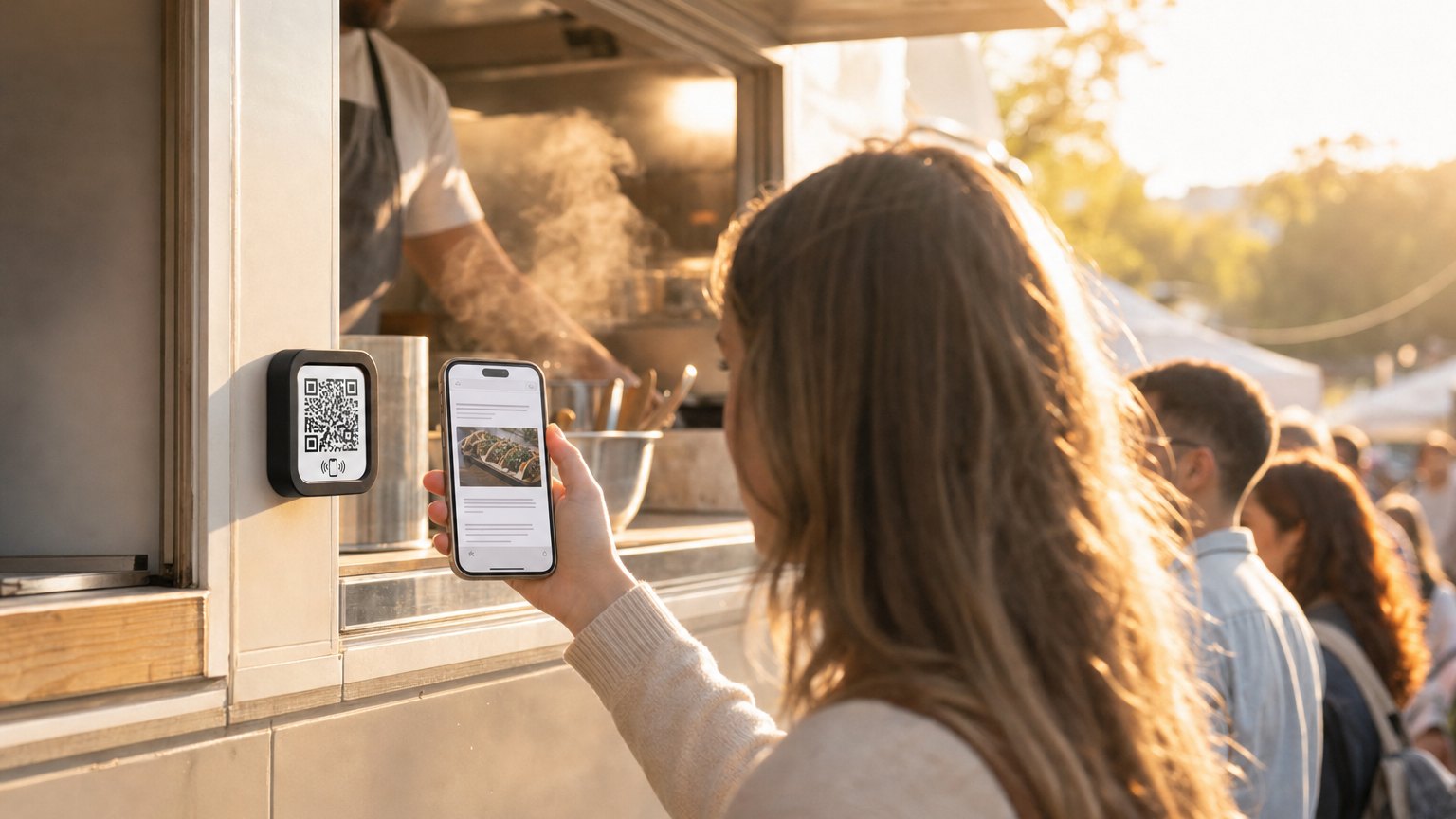
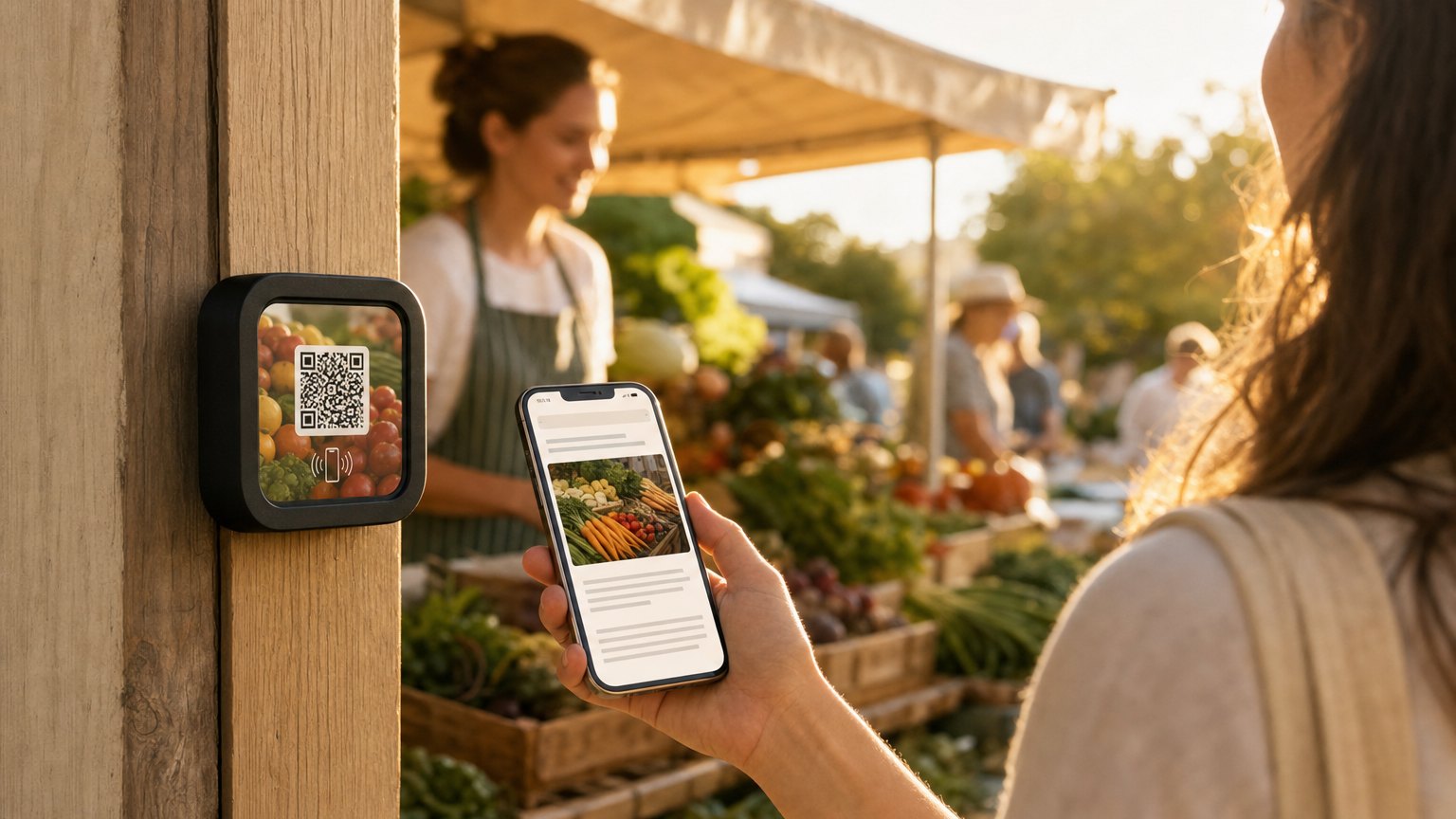
A Marker on the serving window or the side of the truck. Customers tap it while they wait in line and get today's menu, the story behind the truck and, most valuable of all, your upcoming schedule so they can find you again.
The food truck's unique marketing challenge
A restaurant in a fixed location gets foot traffic from proximity. A food truck earns its audience from scratch at every stop. The customers who loved you at the Saturday market have to find you again the following week, and most won't bother unless you make it easy.
Social media helps, but it requires your customer to follow you on a platform they may not use. A NearField Marker on the truck is a single tap away from giving someone your schedule, your story, and a direct path to follow or sign up for updates, without asking them to navigate a profile page.
What to put on a food truck Marker
- Today's menu. A text block you update from your phone before service. No reprinting, no writing on a chalkboard with a shaky hand. Current items, current prices.
- The daily special. A promo-style block near the top ("Today only: lamb sliders with harissa") that draws the eye and sets the tone before customers get to the full menu.
- The story. Two or three sentences about the concept: where the recipes came from, what you're trying to do with the food. People who care enough to tap a Marker want to know who made it.
- Upcoming locations and schedule. "Find us next: Friday at Armature Works, Saturday at the St. Pete market." A list or a link to your schedule. This is the most valuable content on the Marker for a repeat customer.
- Follow or sign up button. Instagram link, email signup, or both. A customer who gives you their email is worth ten followers: they'll see every time you announce a location.
- Order online link. If you use a pre-order or catering platform, a button at the bottom of the Experience. Someone who discovered you in a line today might want to pre-order for an event next month.
Ready to try it?
Build a food truck Experience with every Growth block and Action. No card needed to build. Your 14-day trial starts when your page goes live.
Build a food truck ExperiencePlacement on the truck
On the serving window ledge or counter. Customers are already standing there waiting. A Marker at eye level on the counter gets tapped while the order is being prepared.
On the side of the truck. A Marker on the exterior at about chest height is visible to people in line. It works especially well if the Marker has "Tap for today's menu" printed on it: people in line are already looking at the truck and curious.
On a sign stake. At markets with long queues, a small sign with the Marker mounted to it, staked near the back of the line, gives customers something to do while they wait. They get the menu before they reach the window, which also speeds up ordering.
Updating before each service
The menu update takes two minutes on your phone. Log in to NearField, tap the menu text block, edit the items and prices, save. Done. Every customer who taps the Marker today gets the current menu.
The schedule update takes the same amount of time. Change the "Find us next" section once a week when you know your upcoming spots. The Marker in the truck always reflects your real schedule.
How to get started
- 1Sign up free and pick the Café Daily Specials or Restaurant Menu template. Add your menu, a daily special block, the truck's story, your upcoming schedule, and a follow button.
- 2Preview it on your phone. Walk through it as a first-time customer would. The order of content matters: special first, then menu, then story, then schedule.
- 3Order one Marker ($29). When it arrives, register it in your dashboard and link it to your Experience. Your 14-day trial starts when your page goes live.
- 4Mount it on the serving window counter or exterior. A small "Tap for today's menu" note nearby helps customers who haven't seen NFC before.
- 5Before each service, update the menu and special. Takes two minutes. After a few weeks, watch which day/location combinations drive the most taps: that's your best market slot.
Start with an Action
A truck has no room for signage. These three fit on one Marker.
File
Today's menu, changed as often as you like.
Try the live demoPay
Take a tip or a payment on the spot.
Try the live demoReview & Feedback
A Google review while the food is still good.
Try the live demoEach one goes live in under a minute, and any Action converts into the full Experience described here in one tap, and the same link and Markers keep working. See all 17 Actions.
Ready to build?
Build a food truck Experience
The food truck template comes with today's menu, a daily special block, your truck's story, and a social follow link. Free to build. One Marker on the serving window handles the questions before they're asked.