Guide · Celebrations & Events
NFC Markers for baby showers: registry, guestbook, and a keepsake that lives on
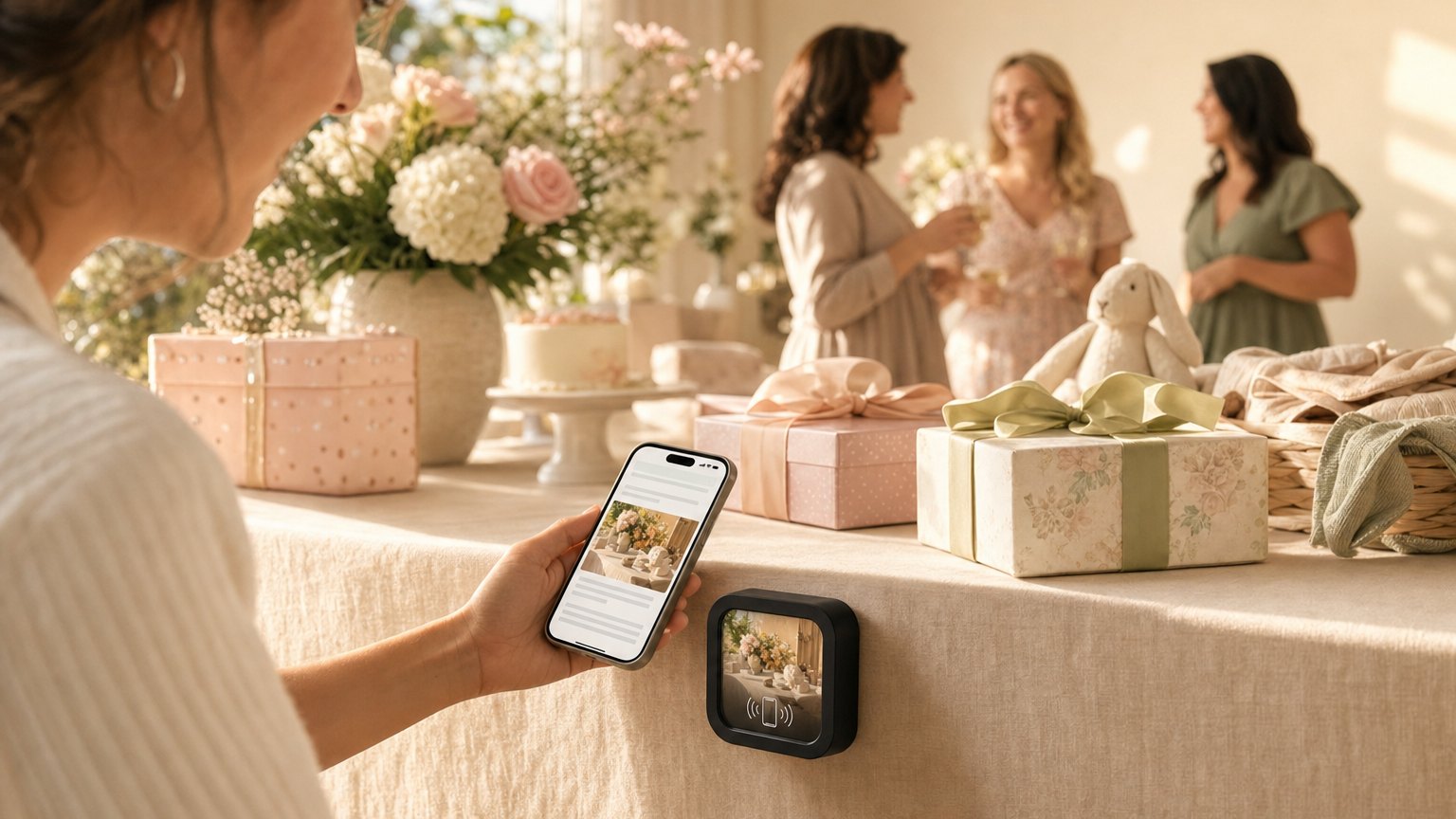
Every guest at a baby shower has the same three things on their mind: where the registry is, when the games start, and where to put the gift they brought. A NearField Marker at the place setting answers all three, plus collects messages for the baby and links to a shared photo album, before the first drink is poured.
What the Marker replaces
Baby shower planning involves a small mountain of printed materials: programs, game cards, registry cards, directions for the guestbook, thank-you note reminder cards. These are all produced in advance, can't be updated if something changes, and most of them end up in the recycling bin by the end of the afternoon.
A NearField Marker consolidates all of it. The program is there. The registry link is there. The photo sharing link and the guestbook are there. The host updates the Experience once before the event; every Marker at every place setting shows the same current content. If the caterer changes the dessert order, update the schedule. If the registry gets a late addition, add the link. No reprinting.
For guests who forgot a gift, or who want to add something to the registry after seeing what was already opened, the registry link is the Marker's highest-conversion element. A guest who sees an unopened category and wants to contribute has the link right in front of them at the moment of that impulse, not buried in an email they'll have to find later.
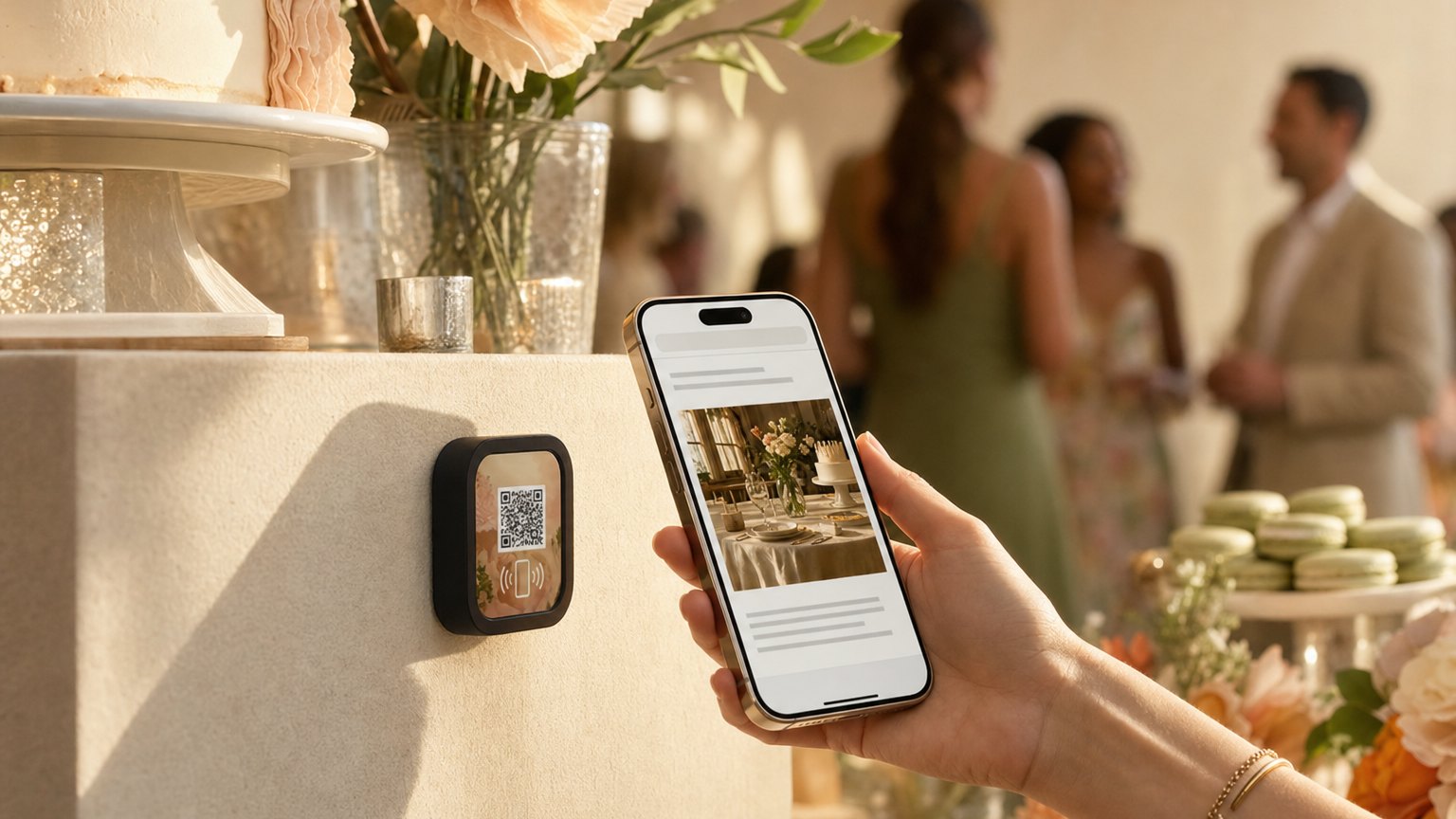
The digital guestbook: messages that don't get lost
Physical guestbooks at events are charming in theory and impractical in reality. The pen is never near the book. The book circulates around the room and half the guests don't see it. Handwriting is hard to read. Someone spills something on it. The signed page from the grandmother who traveled the farthest is stuck behind a guest who monopolized the pen.
A digital guestbook linked from the NearField Experience (typically a Google Form or Typeform that stores responses in a spreadsheet) captures every message cleanly, with a timestamp and the guest's name. The expecting parents have a searchable, permanent record of every wish and message. They can read it on the drive home, share it with family who couldn't attend, and revisit it years later when the child asks about the day.
The guestbook also stays open after the event. Guests who tapped the Marker as a favor at home and remembered a message they meant to leave have the link right there. Contributions often come in for days after the shower ends.
Ready to try it?
Build a shower Experience with every Growth block and Action. No card needed to build. Your 14-day trial starts when your page goes live.
Build a baby shower Experience freePhoto sharing: one link, every camera
Guests at a baby shower collectively take hundreds of photos. Those photos scatter across ten phone camera rolls and never fully reassemble. The hosts see a fraction of what was captured. Some are texted in the days after the event; most never make it out of the guest's camera roll.
A shared Google Photos album link on the Marker gives every guest a single place to contribute their photos: during the shower and in the days after. The expecting parents watch the album fill in real time. The grandmother who took thirty photos of the gift opening can add them from home that evening with three taps.
For hosts who prefer a hashtag-based approach on Instagram, the Experience can show the event hashtag prominently with instructions for posting. Either approach works: the Marker is the prompt that makes the contribution happen, at the moment when guests still have the photos open on their phones.
The Marker as favor: a keepsake that updates
The most common baby shower favor is something edible or disposable that guests finish or discard within a week. A NearField Marker as the favor is different: it's physical, it's branded to the event, and it does something every time it's tapped.
When the baby arrives, the expecting parents update the Experience with the birth announcement: name, birth date, weight, a first photo. Anyone who kept the Marker taps it and gets the news instantly. The guestbook stays open for new messages. The registry can be replaced with a thank-you note from the new parents.
Guests who tapped the Marker at the shower and contributed to the guestbook have a small personal connection to the Experience. When it updates with the birth announcement, that connection continues. The Marker becomes the object that carries the story of the day and the arrival: something worth keeping on a shelf or a dresser, not something that ends up in the recycling bin.
How many Markers to order
The economics depend on placement strategy. Per-seat placement, one Marker per guest, gives every person a direct, immediate tap without looking for a shared Marker. For a shower of 20 guests, that's 20 Markers, $542 with shipping included: a meaningful budget item that an Intro 3-Pack won't cover.
Per-table placement, one Marker per table of six to eight, is the more common approach. Guests share the Marker, which creates a small moment of interaction as it circulates. For a 30-person shower at five tables, that's five Markers: $107, shipping included. With five Markers on a live page, the plan that starts on day 14 of your trial is at least Starter ($19/month), and you can cancel before then. Markers go home with the guest who "claimed" each table's favor.
A single entrance Marker is the minimum-spend approach: one Marker at the gift table or near the door, with the registry link and guestbook prominently featured. Every guest sees it; not every guest taps it. Good enough for an intimate shower where the host wants the digital functionality without the per-seat cost.
Ready to build?
Build your baby shower Experience
The baby shower template comes pre-loaded with a note from the parents, event schedule, registry button, photo sharing link, and digital guestbook. Free to build. Order Markers when you're happy with it.