Template · Celebrations & Events
The registry, the schedule, and a place to leave a message for the baby. One tap at the place setting.
No account or card needed to build.
A Marker at each table or in the favor bag. Guests tap it and get a note from the expecting parents, the event schedule, the registry link, and a digital guestbook to leave their wishes. After the shower, update it with a thank-you and share it so it lives on.
What's in this template
No card needed to build. Your 14-day trial starts when your page goes live. One Marker is $29.
Three ways to place the Marker
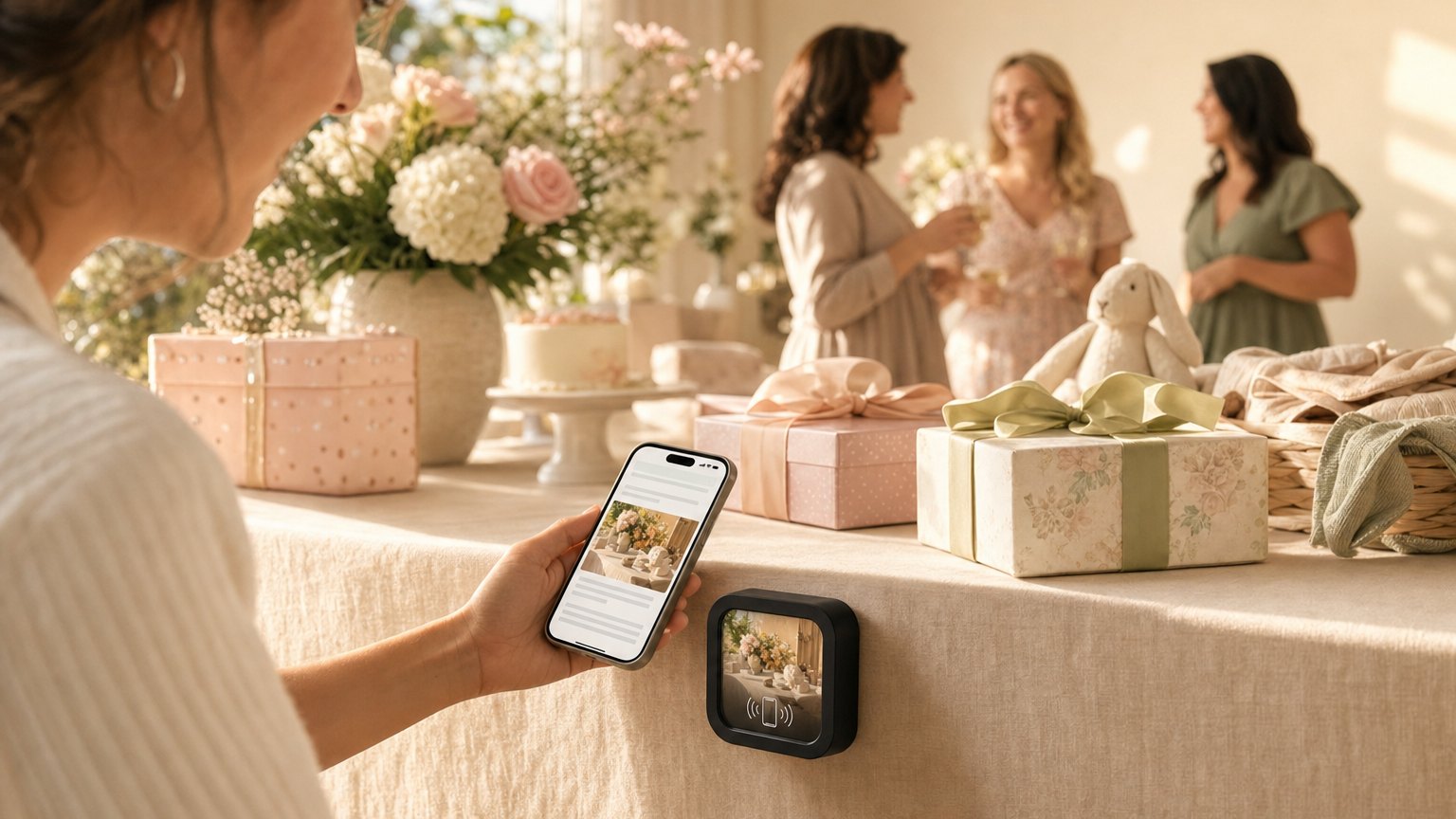
Table centerpiece or place setting
One Marker per table or per seat. Guests tap while they settle in and get the schedule, the registry, and the guestbook link before the first game starts. No printed programs to collect at the end.
As the favor
Send guests home with a Marker in their favor bag. Registry browsing and guestbook entries often come in the day after: guests tap it when they get home and remember they meant to write something.
At the entrance or gift table
A single Marker near the gift table or entrance. Guests who didn't bring a gift can tap to the registry right there. Guests who want to share a photo have the link before they even sit down.
Update it after the shower
When the baby arrives, update the Experience with the birth announcement: name, weight, date, a first photo. Anyone who kept a Marker taps it and gets the news. The guestbook stays open for new messages. Change the schedule section into a timeline of the day. The Marker becomes the keepsake.
Ready to build?
Start with this template
Free to build. One Marker is $29.