Guide · Travel & Transit
NFC for airports: terminal directories, lounge amenities, and passenger wayfinding
Airport passengers navigate stress, time pressure, and unfamiliar environments. The information they need (gate locations, dining options, lounge Wi-Fi, ground transport) exists somewhere in the terminal, but finding it requires locating a kiosk, flagging a staff member, or searching through a phone. A NearField Marker delivers the relevant information instantly, in any language, at the exact location where the question arises.

Why airport information systems fall short
Static signage works for structural information (gate letters, terminal names, exit routes) but fails for anything that changes. Dining hours shift seasonally. Concessions close for renovation. Ground transport procedures change. A terminal map printed six months ago leads passengers to a restaurant that's now a construction fence.
Digital kiosks solve the currency problem but introduce their own: they're fixed in place, require passengers to stop and navigate a touchscreen, often have touch surfaces that feel wrong in a health-conscious environment, and have high maintenance costs when screens, software, or mounts fail.
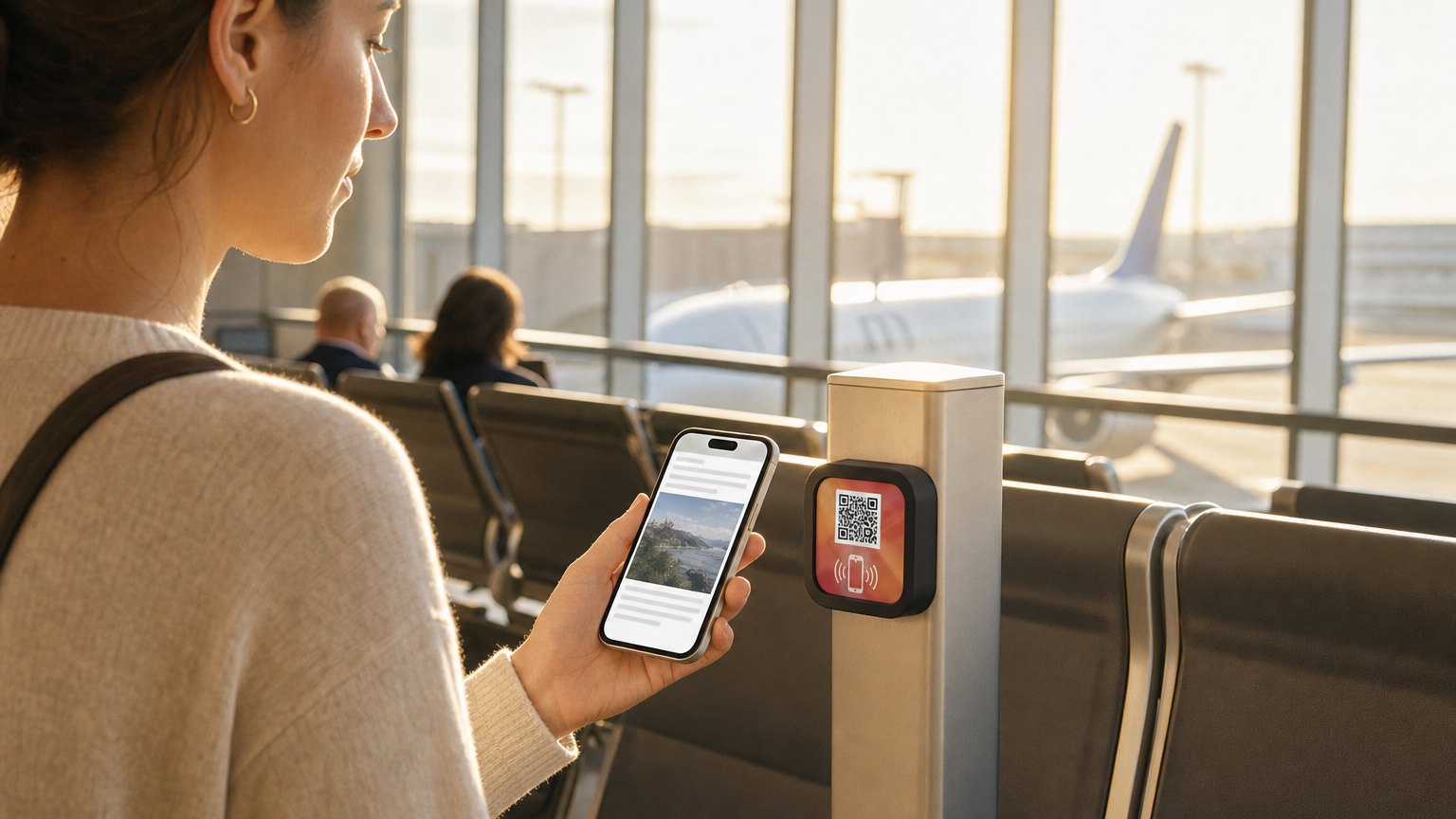
NearField Markers address both problems. The Marker is passive hardware, no screen, no software to update, no maintenance beyond occasional cleaning. The content is updated centrally in your dashboard, from any browser, and reaches every Marker immediately. A passenger's own phone becomes the display, which means no shared surfaces, no navigation UI to learn, and content in whatever language the passenger's phone is set to, with one-tap translation via the Inclusion Bar.
Terminal directory Markers
A directory Marker placed at key transit points (the security exit, the top of a gate corridor, the baggage claim entrance) delivers the full terminal map in a traveler's hand within seconds of arrival. The Experience covers gate locations by airline, dining and shopping options sorted by terminal and category, ground transportation (rideshare pickup zone, car rental, shuttle, rail), and Wi-Fi access.
The accordion structure of a NearField Experience is particularly effective for directory content. The top-level view is concise: key destinations and their locations. Each section expands to reveal detail: the dining accordion expands to show restaurant names, categories, hours, and terminal positions; the ground transport section expands to cover each transport type with pickup location and instructions.
For international arrivals halls specifically, the directory Marker handles the first-ten-minutes-in-country problem: customs, baggage claim, how to get to the city, where to exchange currency. These are questions that overwhelm staff at the arrivals exit in peak periods. A Marker at the customs corridor exit routes passenger questions to a self-service touchpoint before they reach the staff barrier.
Gate area wayfinding
Passengers at their gate with a long wait ahead are an engaged, captive audience for local information. A Marker near each gate cluster delivers dining options within five minutes' walk, restroom locations, charging station availability, and the closest specialty services: pharmacy, phone charging, pet relief area.
For delayed flights, the gate Marker can be updated dynamically. When a two-hour delay is posted, the Experience for that gate cluster can show the nearest lounge day-pass option, the nearest full-service restaurant for a sit-down meal, and the nearest quiet area for calls. The delay becomes a moment where the airport proactively serves the passenger rather than leaving them to figure it out from a generic terminal map.
Updating content for specific gate situations is a two-minute task in your dashboard. The Marker at Gate C12 shows the relevant information for the current delay situation; the Marker at Gate C14 shows its normal configuration. Content is Experience-specific, so each Marker placement can have its own relevant context without a complex content management system.
Ready to try it?
Build an airport Experience with every Growth block and Action. No card needed to build. Your 14-day trial starts when your page goes live.
Build an airport Experience freeLounge Markers: Wi-Fi, menu, and shower booking
Airport lounges have a specific information problem: every guest asks the same four questions on arrival. The Wi-Fi password. Where the food is. How to book a shower. What time their flight departs. These questions go to the same front desk staff member dozens of times per hour during peak periods. A Marker at the lounge entrance or at each seating cluster answers all four before the guest reaches the desk.
The lounge Marker Experience includes the Wi-Fi credentials at the top, the current F&B menu by station (updated daily when the menu rotates), shower availability and the booking process, business center location and availability, and a departure tracker link. Staff who would otherwise be answering credential requests are freed to handle higher-value guest needs.
For premium lounges with spa services, the Marker also serves as the first touchpoint for service booking. A guest who taps on arrival and sees that the spa has a 45-minute availability between 2 and 3pm is more likely to book the service than a guest who would have to find the spa, check availability in person, and return to their seat to decide. The booking happens at the moment of awareness.
Multilingual passenger service
International airports serve passengers from dozens of language backgrounds simultaneously. The NearField Inclusion Bar, present on every Experience, lets any passenger translate the content of the Marker into their language with a single tap, without the airport needing to maintain separate physical Markers or printed materials for each language.
For arrival terminals with high international traffic, this is operationally significant. The alternative (multilingual printed directories, multilingual kiosk interfaces, or dedicated multilingual staff) involves ongoing cost and is never fully comprehensive. A single Experience in English with one-tap translation available covers the practical majority of international passengers with no additional content production overhead.
The Inclusion Bar also supports passengers with accessibility needs: screen reader compatibility, font-size preferences, and contrast adjustments are handled at the device level when content is delivered as a mobile web page rather than as printed material or a proprietary kiosk interface.
Operational maintenance and content updates
The operational advantage of NearField for an airport environment is the separation of hardware maintenance from content maintenance. The Markers themselves are passive: no power, no software, no screen. They require no maintenance beyond occasional physical inspection and cleaning. The content is maintained centrally by whoever manages airport communications, through your dashboard, in any browser.
When a restaurant closes temporarily, the update takes two minutes: one person, one login, one change that reaches to every relevant Marker in the terminal. When a new concession opens, the dining directory is updated the day the doors open. When ground transport procedures change (the rideshare pickup zone moves, a new rail connection opens), the Experience is updated once and every passenger Marker in the terminal shows it.
For seasonal operations (holiday schedules, summer surge periods, special event configurations), update the Experience when the season starts, and put dated items in an Event List block, which hides each one once its date has passed. The Marker doesn't change; the content behind it does.
Ready to build?
Build your first airport Marker
The terminal directory and lounge templates are pre-loaded for the highest-traffic airport touchpoints. Free to build. An Intro 3-Pack covers three key placements.