Template · Travel & Transit
Gate finder, dining guide, and ground transportation. In the traveler's hand before they ask the question.
No account or card needed to build.
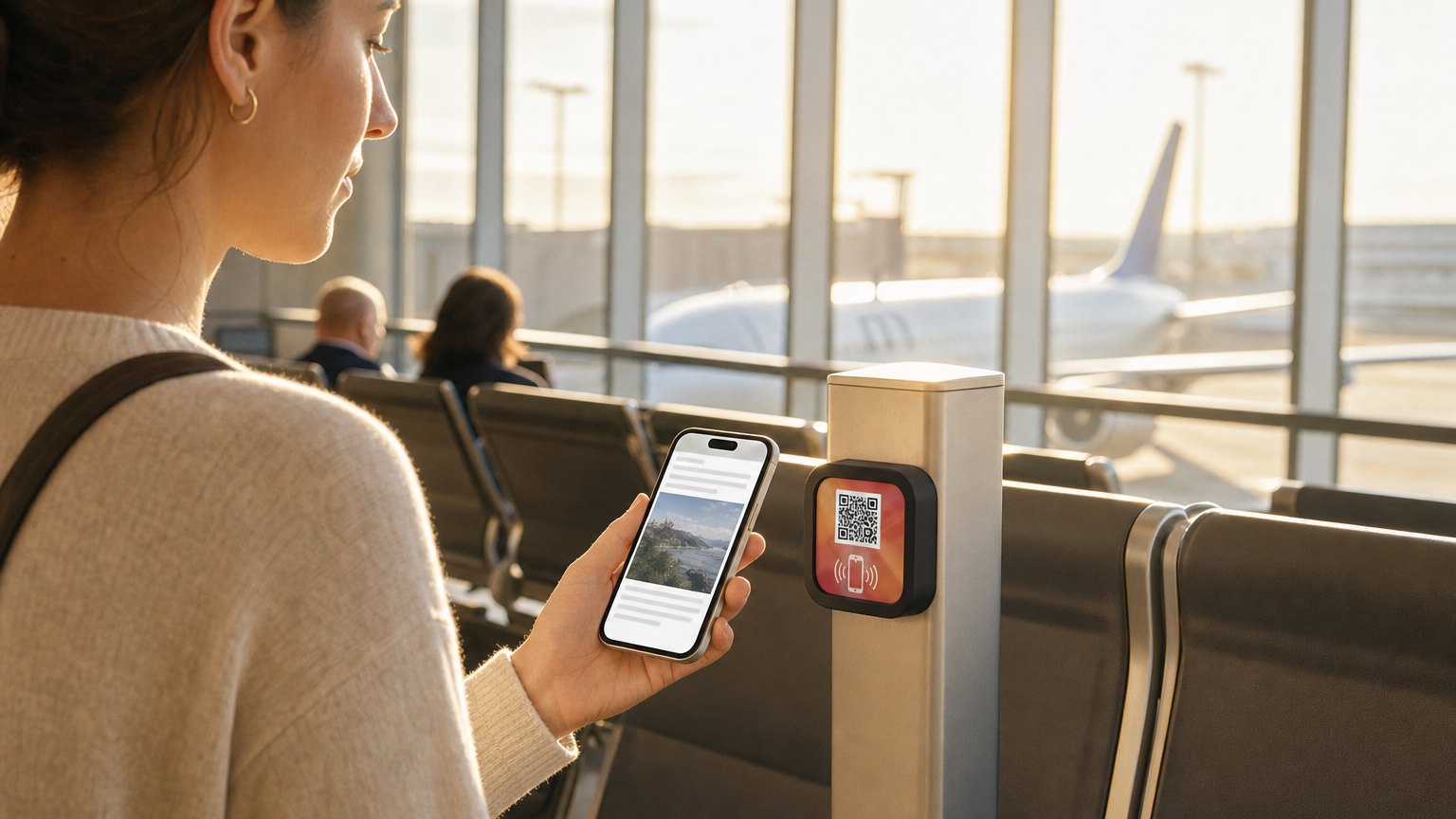
A Marker at the terminal entrance, near the security exit, or at a busy corridor junction. Passengers tap it and get the full directory (gate map, dining by terminal, shops, Wi-Fi, and ground transport) without finding a kiosk or stopping a staff member. Updated centrally when anything changes.
What's in this template
No card needed to build. Your 14-day trial starts when your page goes live. One Marker per location, $29 each.

Strategic placement across the terminal
Security exit and baggage claim
Disoriented arrivals tap the Marker before they've taken ten steps. Ground transport options, car rental directions, and the rideshare pickup location are the first things they need, and the first things on the Experience.
Departure gate clusters
Passengers at their gate with time to spare browse dining and shops. A Marker near each gate cluster points them to the nearest food options, with hours and a map reference. No more wandering until a flight is missed.
International arrivals
The Inclusion Bar on every NearField Experience lets travelers translate the directory into their language with one tap. No separate signage for each language: one Experience, readable by every traveler.
Update when a restaurant closes or a gate changes
When a concession stand closes for renovation, a new tenant opens, or ground transport procedures change, update the Experience in your dashboard. Every Marker in the terminal immediately shows the current information. No kiosk software update cycle, no reprinted wayfinding inserts, no signage team dispatch required.
Ready to build?
Start with this template
Free to build. One Marker per placement, $29 each.
Want the full guide? Read how airports use NearField for passenger wayfinding.