Template · Education
Assignment details, rubrics, and procedure guides. On the desk or next to the equipment.
No account or card needed to build.
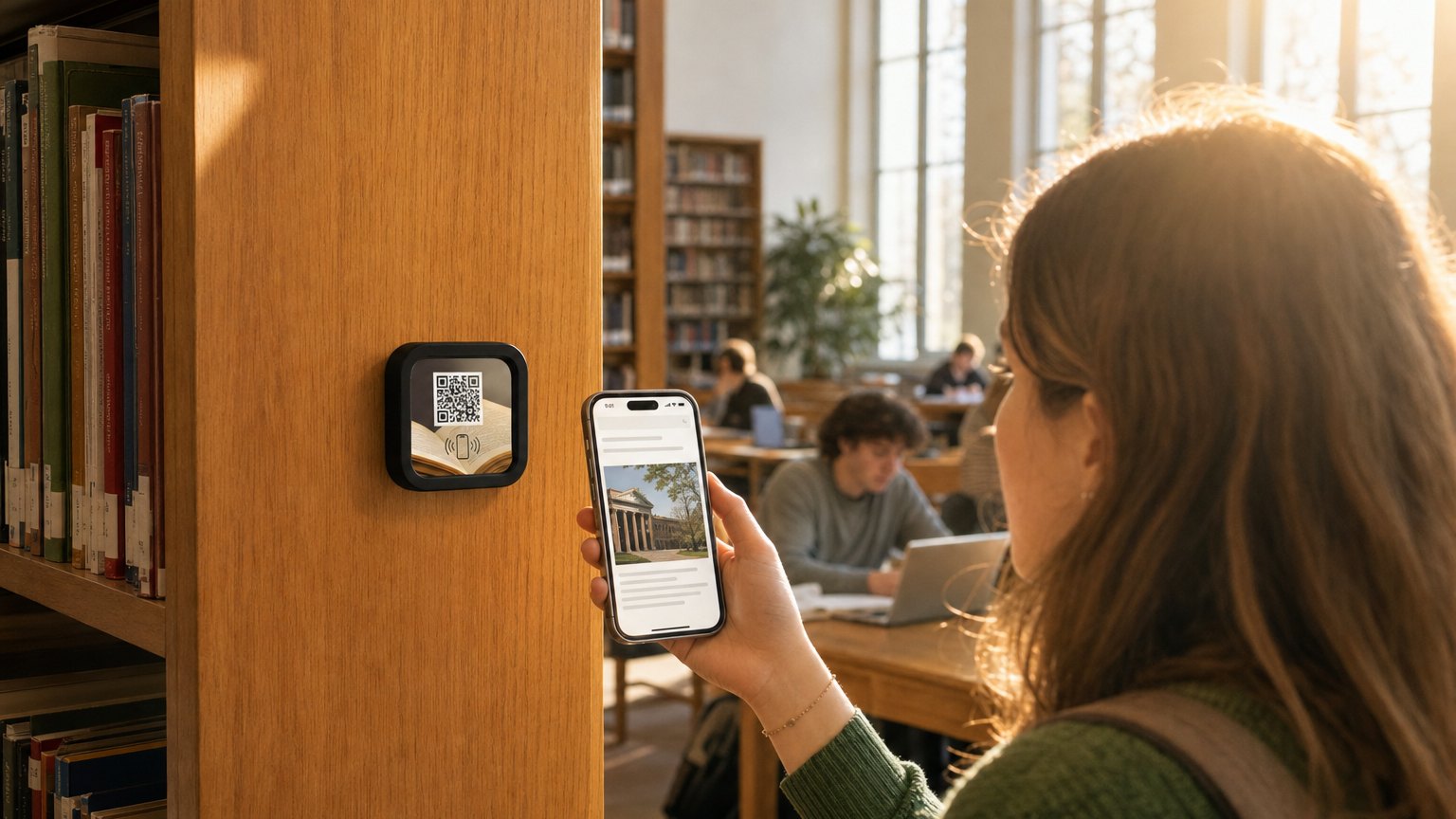
A Marker on the desk or workstation. Students tap for the full assignment brief, grading rubric, step-by-step procedure, safety notes, and submission link, without asking the instructor to repeat it or hunting through an LMS. One Marker handles an entire class session.
What's in this template
No card needed to build. Your 14-day trial starts when your page goes live. One Marker per station or desk group.

Why instructors use NearField
Students tap instead of asking
The brief, the rubric, and the submission link are on the desk for the entire session. Students who would normally interrupt to ask for clarification have the answer in front of them, every time they need it.
Update the brief without reprinting anything
Changed a due date or clarified the rubric after class started? Update the Experience and every tap from that point reflects the correction. No email announcements, no version confusion.
Works for corporate training stations too
The same template handles a chemistry lab and a corporate onboarding station. Safety checklist, step-by-step procedure, and a completion form, all from a single tap next to the equipment.
"The rubric is on the desk when they need it, not buried in a PDF"
Students who reference the rubric while working submit better work. A Marker makes that reference frictionless: tap, read, get back to the assignment. No LMS login, no email thread, no asking the person next to you.
Ready to build?
Start with this template
Free to build. One Marker per station or desk group, $29 each.
Want the full guide? Read how schools use NearField.