Template · Events & Venues
Session schedule, speakers, and Wi-Fi. On the seat or at the registration desk.
No account or card needed to build.
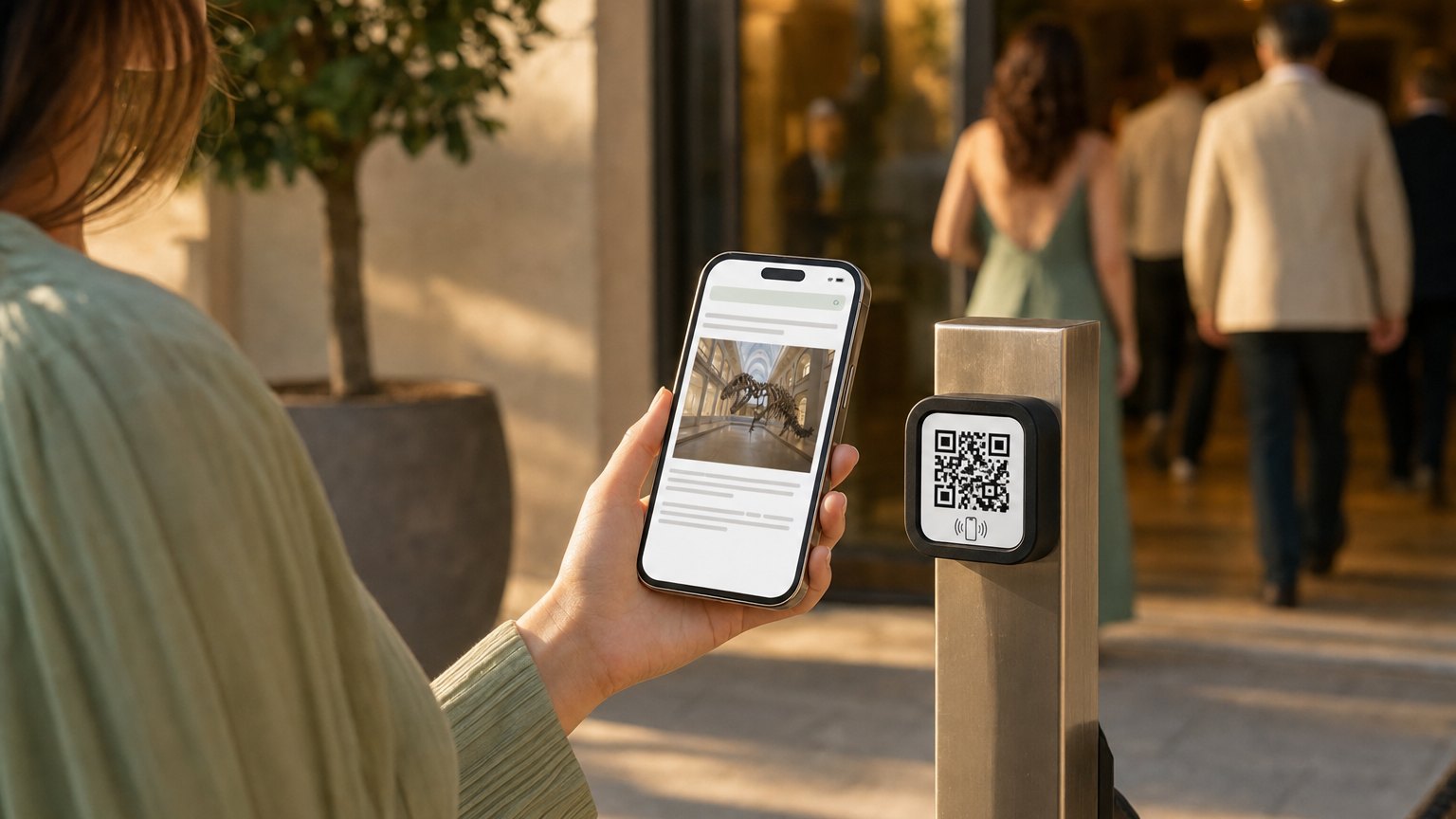
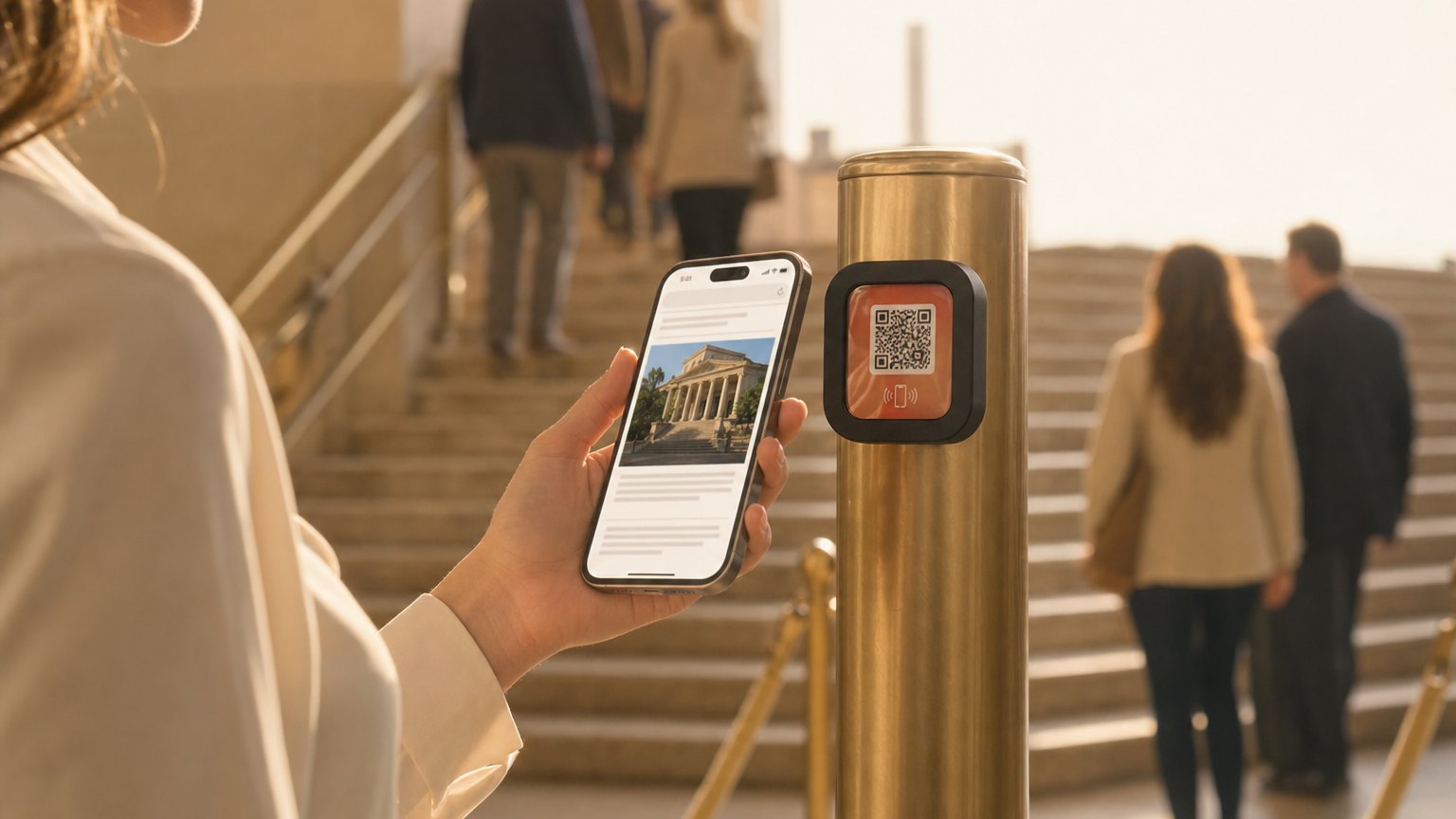
A Marker at each seat, table, or the check-in desk. Attendees tap and get the full event schedule, speaker bios, venue map, and Wi-Fi credentials: everything that used to be in a printed program that got left on the chair.
What's in this template
No card needed to build. Your 14-day trial starts when your page goes live. One Marker covers the entire event. Relink it for the next one.
Why event planners use NearField
Replace the printed program
Printing 300 programs costs real money, and half end up on the floor. One Marker on each table gives every attendee the same information, and you never pay to reprint it.
Update the schedule if a session changes
A last-minute room change used to mean a PA announcement or a whiteboard. Now you update the Experience once and every tap after that reflects the correction automatically.
Works at galas, corporate events, and ceremonies
The same template handles a three-day conference and a one-night awards dinner. Configure once, reuse the Marker for every event that follows.
"When a session moves to a different room, update it once"
Every attendee who taps after that gets the correction. No reprints, no announcements, no confusion. The schedule on the Marker is always the current schedule, not the one that was accurate when it went to the printer two weeks ago.
Ready to build?
Start with this template
Free to build. One Marker covers the entire event. Relink it for the next one.
Want the full guide? Read how event planners use NearField.