Template · Travel & Lounges
Wi-Fi, the F&B menu, shower booking, and flight info. The moment they sit down.
No account or card needed to build.
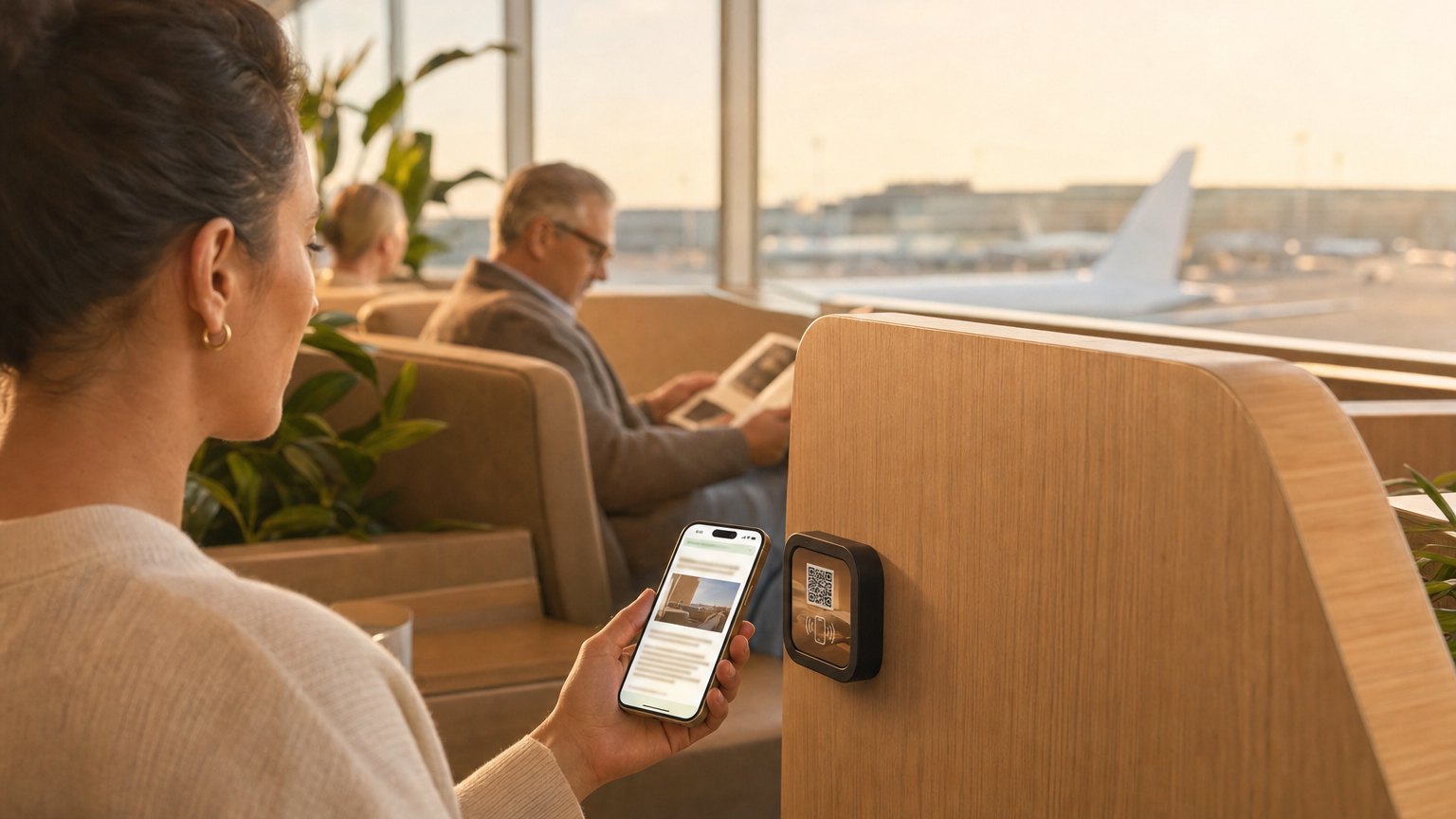
A Marker at the lounge entrance or on each seating cluster table. Guests tap on arrival and immediately have everything they need (Wi-Fi, the day's menu, shower availability, and a link to their flight status) without flagging down staff or hunting for a printed binder.
What's in this template
No card needed to build. Your 14-day trial starts when your page goes live. One Marker per placement, $29 each.
Marker placements that reduce front-desk load
Lounge entrance
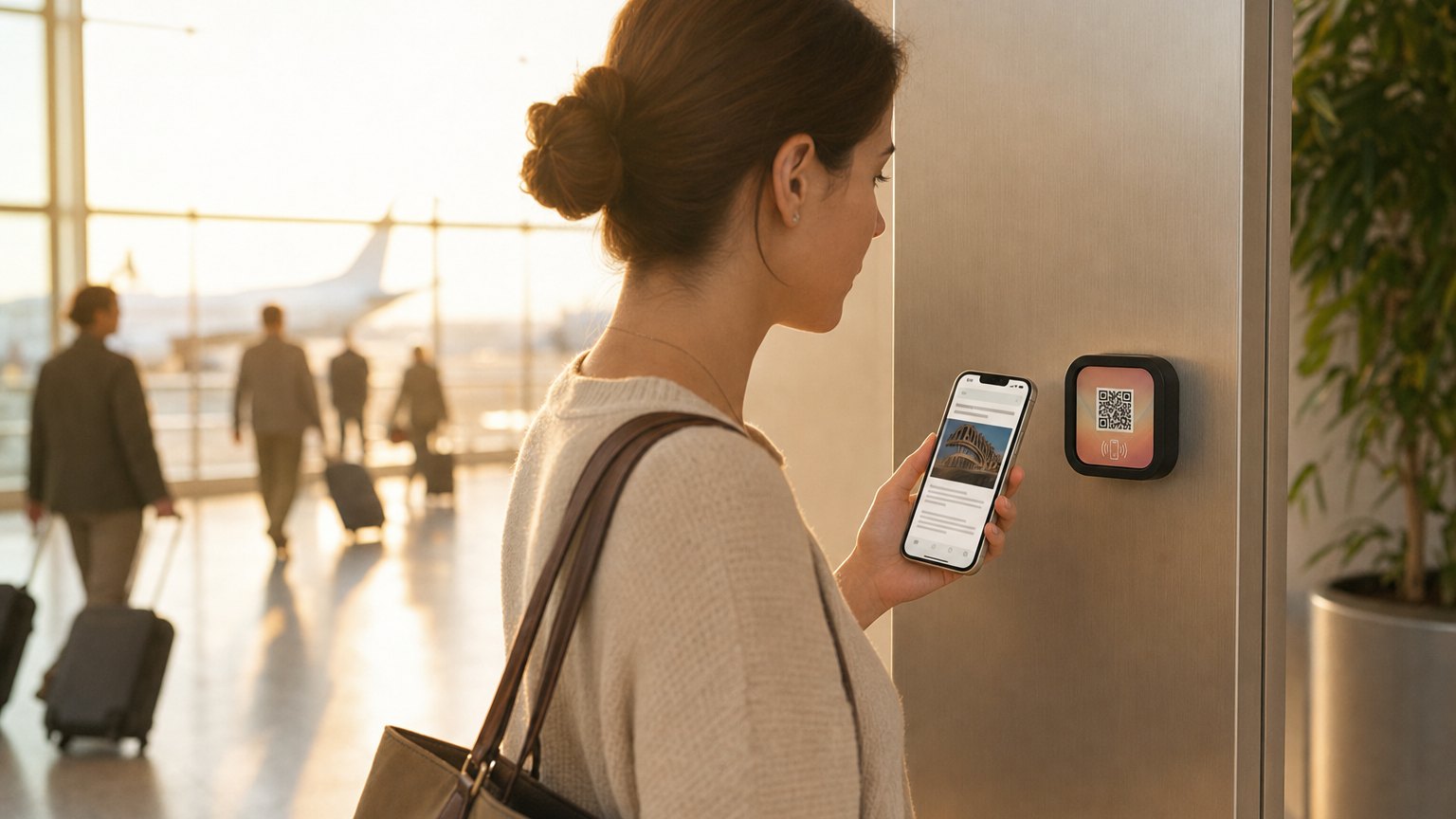
The first tap answers the four questions guests always ask: Wi-Fi password, where the food is, how to book a shower, and what time their flight departs. Staff handle introductions instead of directions.
Seating areas and work zones
A Marker on each cluster table or work desk means the Wi-Fi password and menu are always within arm's reach. Business travelers who want the credentials without walking back to the desk tap and continue working.
Shower and spa waiting area
A Marker near the shower reservation area shows current availability, estimated wait, and how to join the queue, without queuing at reception. When a suite opens, update the status in real time.
Rotate the menu daily without touching the Marker
Update the F&B menu each morning in your dashboard. Every tap that day returns the current offerings, with no menu boards to reprint, no staff briefings about what's available. When a station runs out of an item, update the Experience and it's reflected immediately across every Marker in the lounge.
Ready to build?
Start with this template
Free to build. One Marker per placement, $29 each.
Want the full guide? Read how airports use NearField for passenger experience.